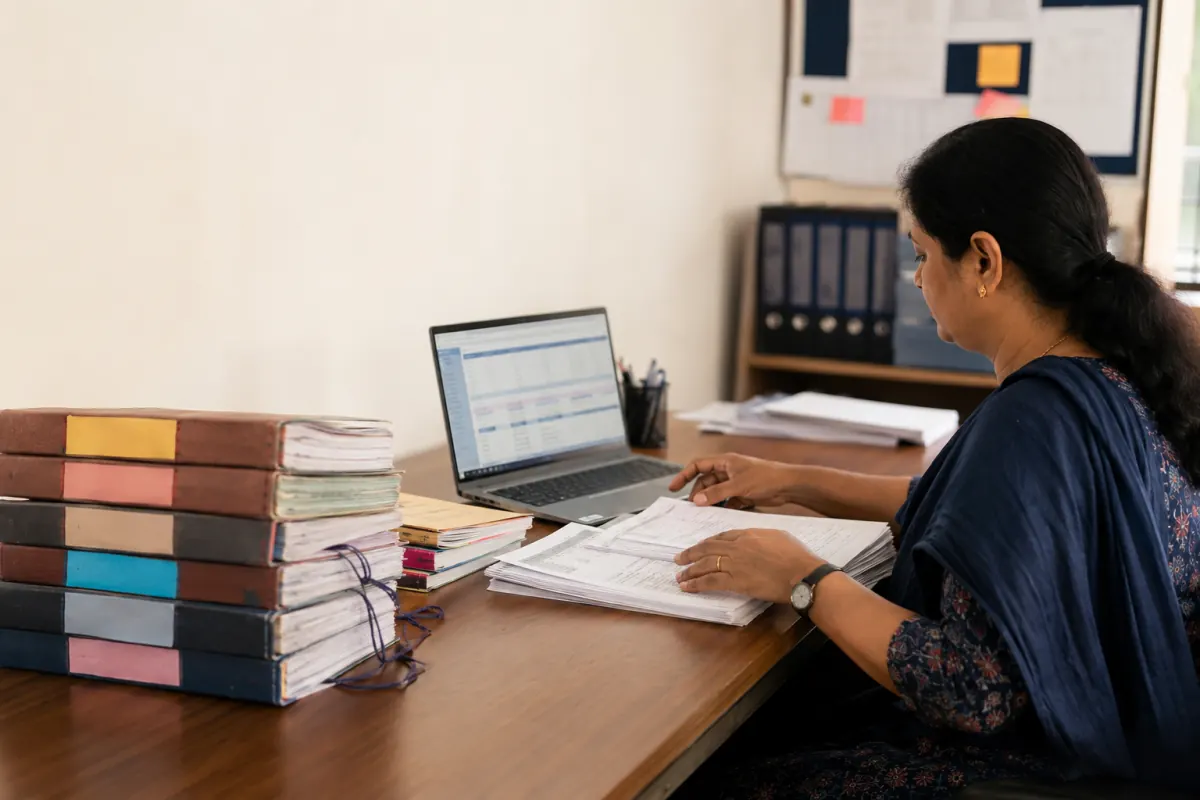
Moving from registers and spreadsheets to a school ERP is not a single import. It is a controlled decision about which records are authoritative, how inconsistent data will be cleaned, what history must remain accessible, and how the school will verify the result before daily work depends on it.
A careful migration is usually faster than repeatedly repairing rushed data after launch.
Use a six-stage process
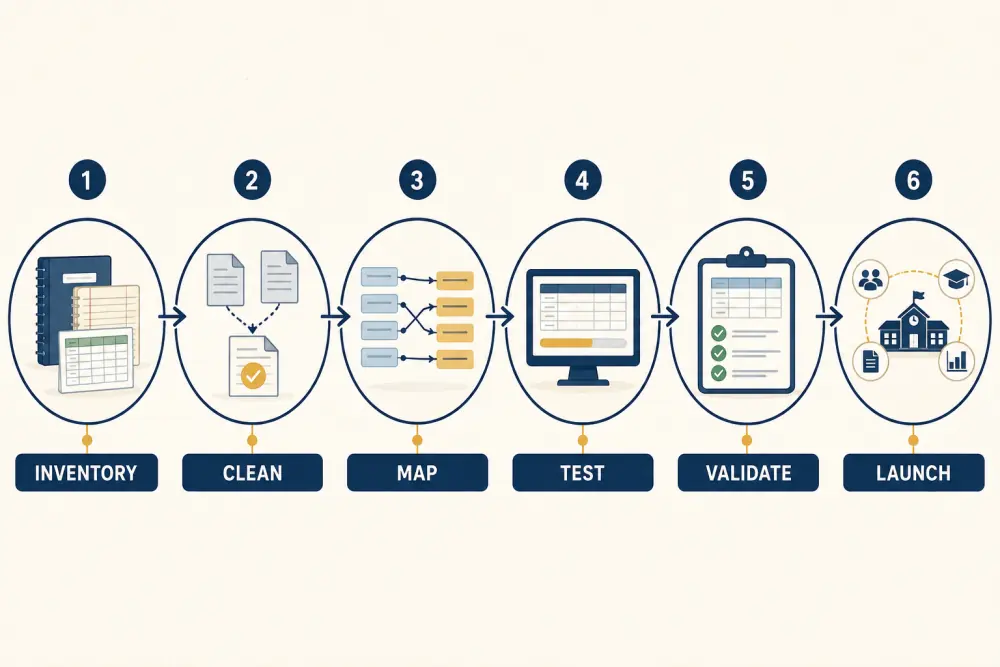
- Inventory: find the relevant registers, files, applications, owners, formats, and date ranges.
- Clean: remove duplicates, resolve inconsistent names, and flag incomplete records.
- Map: define how each source field becomes a destination field or controlled value.
- Test: import a representative sample into a safe environment.
- Validate: reconcile totals, samples, relationships, permissions, and reports.
- Launch: freeze or control legacy changes, import the approved set, and monitor exceptions.
Create a data inventory
List student profiles, guardians, admissions, classes, attendance, fees, assessments, staff, transport, library, inventory, and any other in-scope data. Record the owner, current source, coverage period, sensitivity, quality, and migration priority.
Not everything must move. Some historical registers may be retained in a secure archive if they are rarely needed and importing them would add risk without operational value. Document retention and access rather than making the decision informally.
Define the source of truth
Several files may contain the same student with different spelling, contact details, or status. Decide which team owns each field and how conflicts will be resolved. Use a stable student identifier where available; names alone are not reliable matching keys.
Create rules for duplicates, siblings, multiple guardians, transferred students, withdrawals, alumni, staff who are also guardians, and mid-year class changes. Keep an exception list for human review instead of guessing.
Clean before mapping
Standardise dates, phone numbers, class and section names, fee categories, subject codes, and status values. Separate combined fields such as “father and mother phone” where the destination expects individual guardians. Identify mandatory fields that are missing.
Never overwrite the only source copy during cleaning. Work from controlled exports and retain an untouched reference according to the school’s security policy.
Write an explicit field map
For every imported field, document the source, destination, transformation, allowed values, and owner. State which fields will not migrate and why. Include relationships: a fee transaction must connect to the right student and fee item, not just carry an amount.
Review access classifications during mapping. Sensitive data should not become more widely visible merely because it entered a new system. Use the vendor’s security controls and verify roles with test users.
Test with representative data
A good sample includes active and inactive learners, siblings, concessions, partial payments, absences, optional subjects, corrections, and non-Latin or long text where relevant. Test each intended workflow, not only whether rows imported.
Ask users to find a learner, confirm class allocation, view an authorised fee balance, enter attendance, and generate a report. This reveals broken relationships that record counts alone cannot show.
Reconcile and obtain sign-off
Compare source and destination totals by meaningful groups: students by status and class, guardians linked, opening balances, transactions, subjects, and assessments. Inspect samples from every exception category.
Data owners should sign off on their areas. The migration lead coordinates the whole process but should not approve finance, academic, and personal records alone.
Plan cutover and rollback
Choose when legacy records become read-only or how changes will be captured during the final migration window. Communicate the cutover, support route, and first-day responsibilities. Back up approved source exports and record the import version.
Have a rollback or correction plan before launch. It may be safer to delay one module than to publish incorrect balances or academic records.
Migration checklist
- Scope, owners, sources, retention, and exclusions are documented.
- Stable identifiers and duplicate rules are agreed.
- Cleaning occurs on controlled copies.
- Every field and relationship has a reviewed map.
- Sensitive information has appropriate destination access.
- The test set includes edge cases, not only clean records.
- Counts, totals, samples, workflows, and reports are reconciled.
- Data owners provide sign-off.
- Cutover, support, correction, and rollback are planned.
- Legacy access is retained or closed according to policy.
Scholva can support a phased migration into connected academic, fee, portal, and operational workflows. Request a demonstration to discuss scope using your actual source formats.
Related reading: The complete guide to choosing school ERP software in India and Role-based access protects school data.