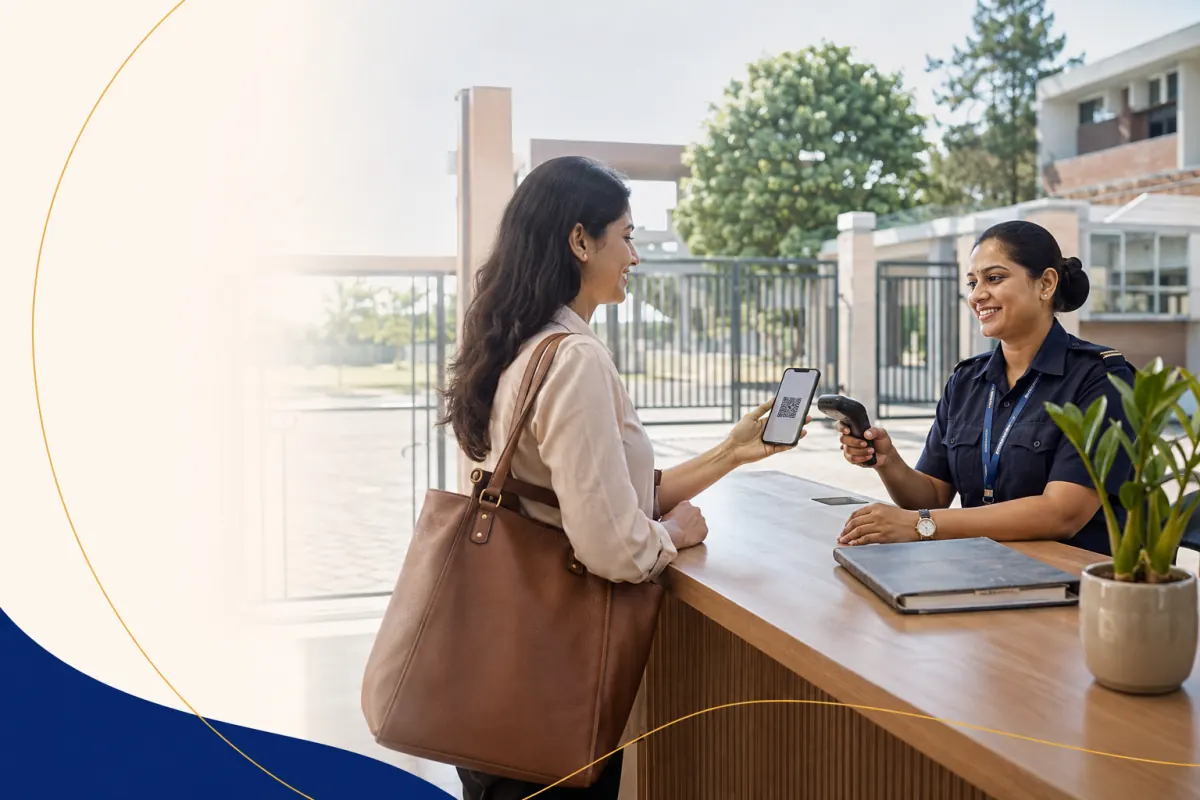
Paper visitor registers are familiar, inexpensive, and usable during a power or network interruption. They also make it difficult to verify approval, know who remains on campus, retrieve a past visit, or limit who can read personal details written on the page.
A digital gate-pass process can improve control and visibility, but only when the school defines the workflow around it.
Compare the operating model
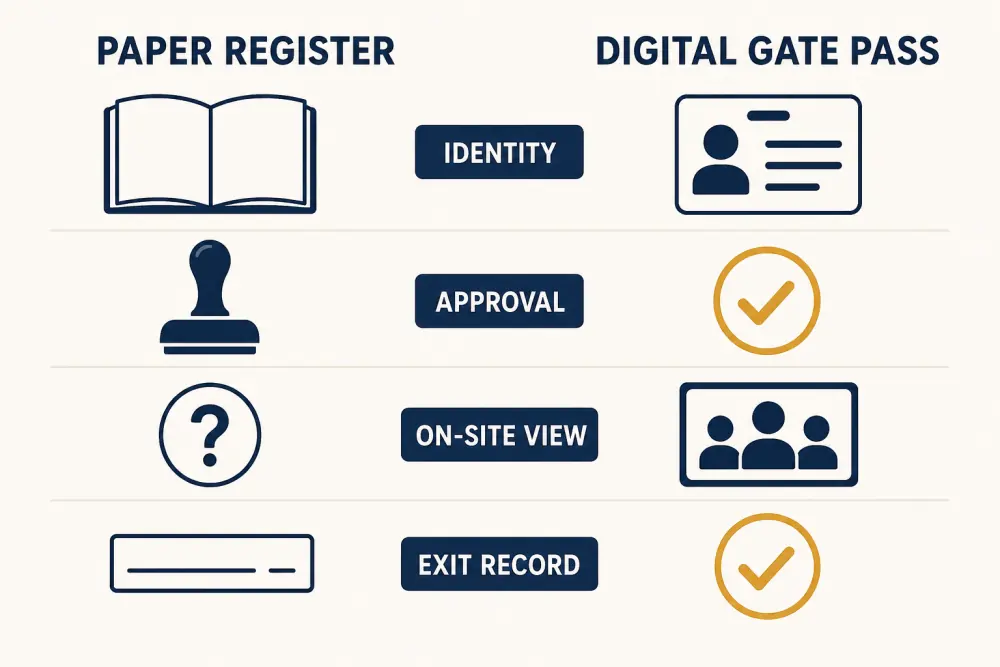
Identity: Paper usually records whatever the visitor writes. A digital process can require defined fields and record how identity was checked, without collecting more data than needed.
Approval: A signature or phone call can be hard to verify later. A controlled workflow can connect the visitor to a host or authorised approver before entry.
On-site view: Reading a book does not quickly show who entered but has not exited. Digital status can give authorised reception or security staff a current exception list.
Exit record: Empty time-out fields are common on paper. A digital pass can keep unresolved visits visible for follow-up.
A gate pass is one control, not a guarantee
Visitor software cannot prevent every incident or replace trained staff, physical safeguards, emergency procedures, and professional judgement. It can make the school’s intended process easier to follow and review.
Define separate handling for parents, vendors, contractors, invited guests, event attendees, delivery workers, and emergency responders. One form and approval path may not fit all of them.
Collect only useful information
Schools may need a visitor’s identity context, purpose, host, arrival time, pass status, areas permitted, and exit confirmation. Requirements depend on policy and applicable law. Do not collect document images, phone numbers, photographs, or vehicle details merely because the software offers a field.
Explain why information is collected, restrict access, define retention, and establish a correction or enquiry route. Avoid leaving personal details visible to the next person at reception - a common weakness of open paper books.
Design approval and exceptions
Decide which visits require pre-approval, host confirmation, or reception discretion. Document what happens when the host is unavailable, a visitor arrives early, a contractor needs recurring access, or a guardian asks to collect a child outside the normal process.
Urgent or safeguarding situations need a separate escalation procedure. Do not force staff to improvise because the normal digital screen does not fit the case.
Make the pass meaningful
A pass should help staff recognise the approved visit and, where policy requires, its permitted location or time. It should not display unnecessary personal data. Set a process for lost, expired, reused, and unreturned passes.
If the school uses a digital credential, provide a staff-verifiable fallback rather than trusting an image forwarded on a phone.
Plan for outages
Keep a controlled offline register or continuity kit for device, power, or connectivity failure. Record enough to operate safely, store it securely, and reconcile the temporary entries when systems return.
Test the fallback during normal operations. A sealed binder nobody has opened is not a dependable plan.
Review operations, not only visit counts
Useful measures include visits awaiting approval, people not checked out, rejected or escalated attempts, pass exceptions, peak reception queues, and incomplete records. Review access logs and staff permissions as roles change.
A visitor management system should support the process without encouraging broad visibility of visitor histories.
Decision checklist
- Visitor types and approval paths are documented.
- Data collection is limited to a defined purpose.
- Staff can see current exceptions, not just a long history.
- Passes communicate only necessary information.
- Checkout and unresolved visits have owners.
- Sensitive records have restricted access and retention.
- Outage procedures are usable and tested.
- Emergency and safeguarding escalation remains clear.
- Training covers difficult cases, not only normal check-in.
- The school reviews the process after incidents and busy events.
Digital gate passes offer better structure and visibility, but the school’s people and policy remain central. To evaluate Scholva against your reception workflow, request a demonstration.
Related reading: What schools should track in a visitor management system and Role-based access protects school data.