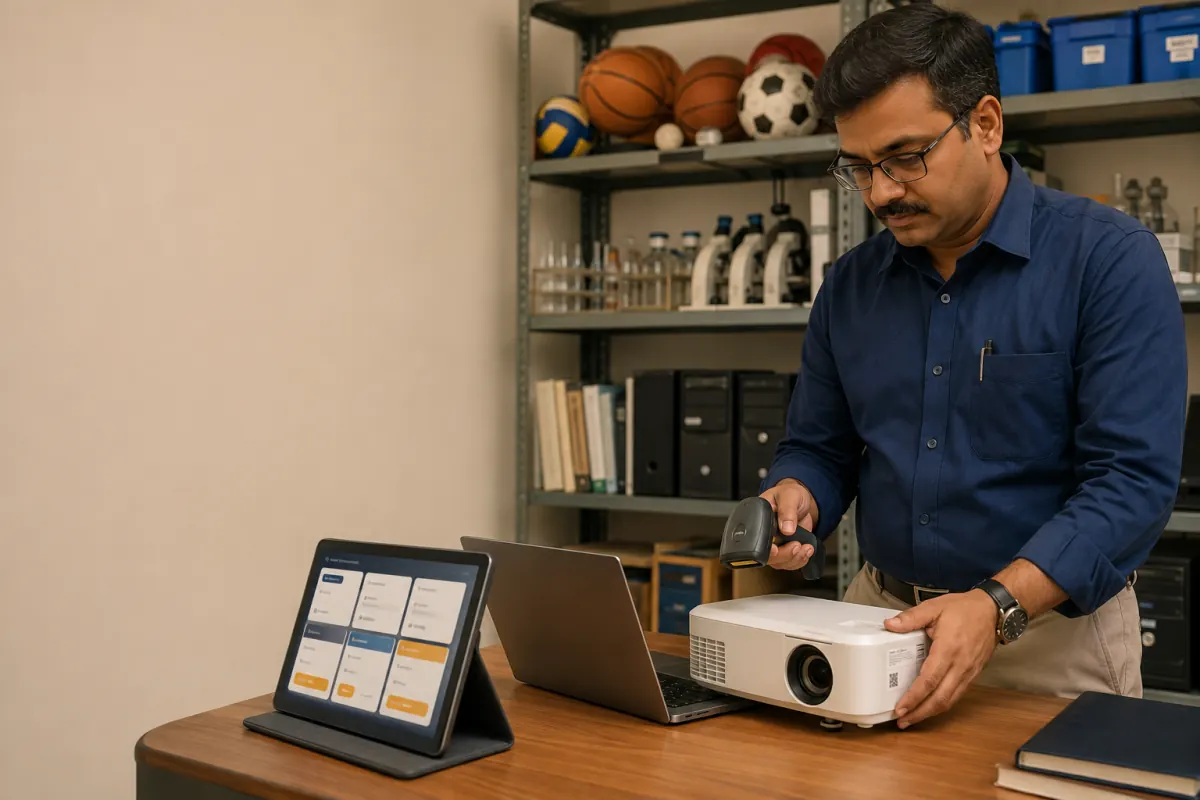
Schools manage far more than desks and computers. Laboratories, libraries, sports departments, classrooms, transport teams, and offices all hold equipment with different owners, locations, maintenance needs, and useful lives. A spreadsheet can list purchases but rarely shows where an item is now or what happened to it.
A digital asset register should follow equipment through its whole lifecycle.
Track six lifecycle stages
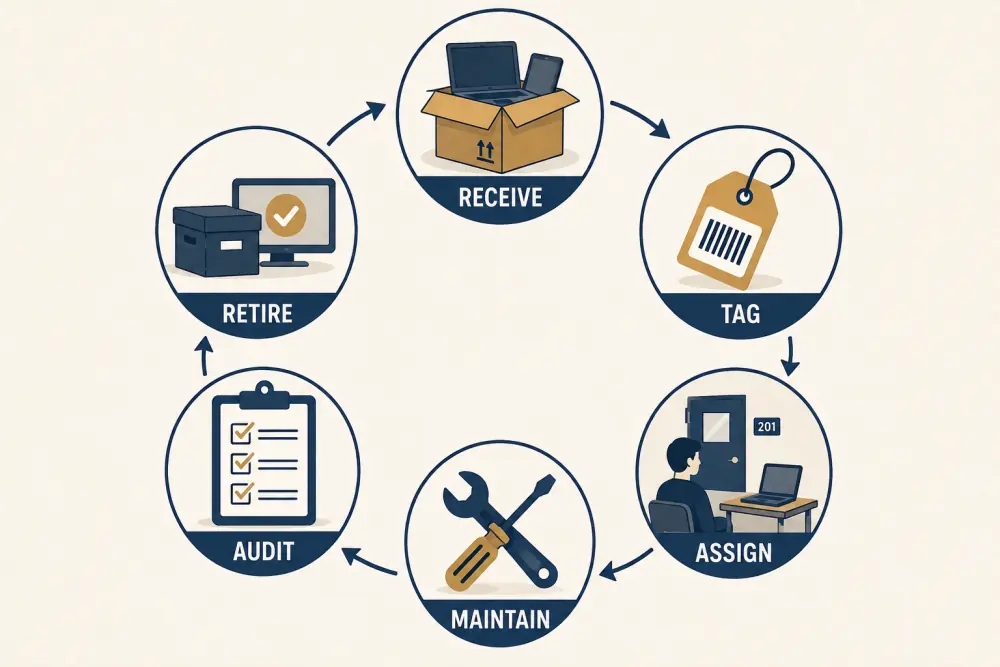
- Receive: verify the item against the approved purchase or donation record.
- Tag: assign a unique asset identifier.
- Assign: record the responsible person, department, room, or vehicle.
- Maintain: keep service, repair, warranty, and condition history.
- Audit: confirm presence, custody, condition, and records.
- Retire: approve transfer, disposal, loss treatment, or archival status.
Define what counts as an asset
Not every consumable needs an individual tag. Decide which categories require item-level tracking, quantity-level stock, or only purchase records. Cost, portability, safety, warranty, and operational importance can guide the policy.
Create a controlled category list and required fields for each. A projector may need serial number, warranty, location, and assigned custodian; exercise books may need received, issued, and remaining quantities.
Build clean starting data
Before importing existing sheets, remove duplicate identifiers, standardise room and department names, and separate assets from consumables. Mark records whose physical item cannot be found instead of assuming they are current.
Start with a pilot location or category. A physical verification while tagging produces a more reliable baseline than copying every old row into the new system.
Use practical labels
Choose barcode, QR, or other labels according to available devices and operating conditions. Labels should be durable enough for the item and placed where staff can scan them without interfering with use or safety.
The code should resolve to the asset record, not expose sensitive purchase or staff information directly. Provide a manual search fallback for damaged labels.
Record custody and movement
An assignment should include who or what location is responsible, start date, and approving role. Transfers need a handover that closes one assignment and opens the next. Do not simply overwrite the location; movement history explains audit differences.
Inventory software can help authorised staff check assets in or out and identify items without a current custodian.
Connect maintenance
Record service schedules, reported faults, repair status, provider, cost where appropriate, downtime, and warranty claims. Staff should be able to report a fault without gaining access to financial records.
Review repeated repairs and downtime before replacement decisions. Condition history gives leaders better evidence than the original purchase price alone.
Run useful audits
Plan audits by location, category, or risk instead of attempting the entire campus at once. Give auditors an expected list, record found/not found/condition outcomes, and route discrepancies for review.
Keep audit corrections distinct from normal transfers. If an item appears in another room, investigate and document the movement rather than editing the expected location without explanation.
Retire assets safely
Define approval for disposal, sale, donation, write-off, loss, or return to a vendor. Protect data-bearing devices through the institution’s approved data-erasure process before they leave control. Preserve enough history for finance, warranty, and audit needs according to policy.
Asset-tracking checklist
- Asset and consumable definitions are documented.
- Categories have appropriate required fields.
- Unique identifiers do not expose sensitive information.
- Starting records are physically verified where practical.
- Assignment and transfer history is retained.
- Faults, maintenance, warranty, and downtime are connected.
- Audits record exceptions and accountable resolution.
- Retirement requires approval and data-handling checks.
- Access is limited by operational role.
- Reports support replacement and purchasing decisions.
Digitisation makes inventory useful when it records custody and condition, not only purchases. Scholva can support the asset lifecycle across school departments while keeping roles clear. Request a demonstration with one sample category.
Related reading: Role-based access protects school data, the business case for school management software, and modernising school library circulation.
For a related perspective, see School Transport Safety: What Parents Should Actually Verify.